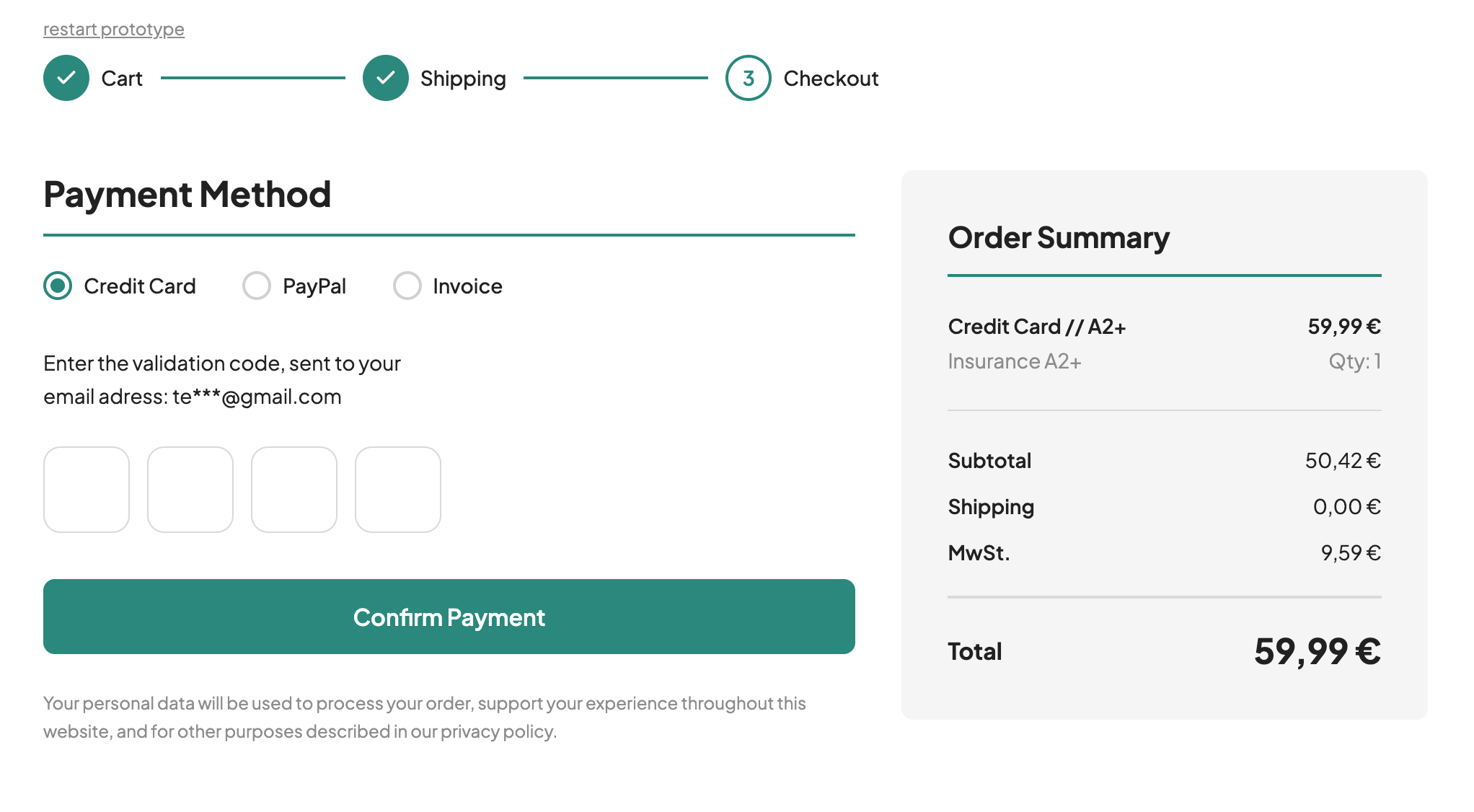
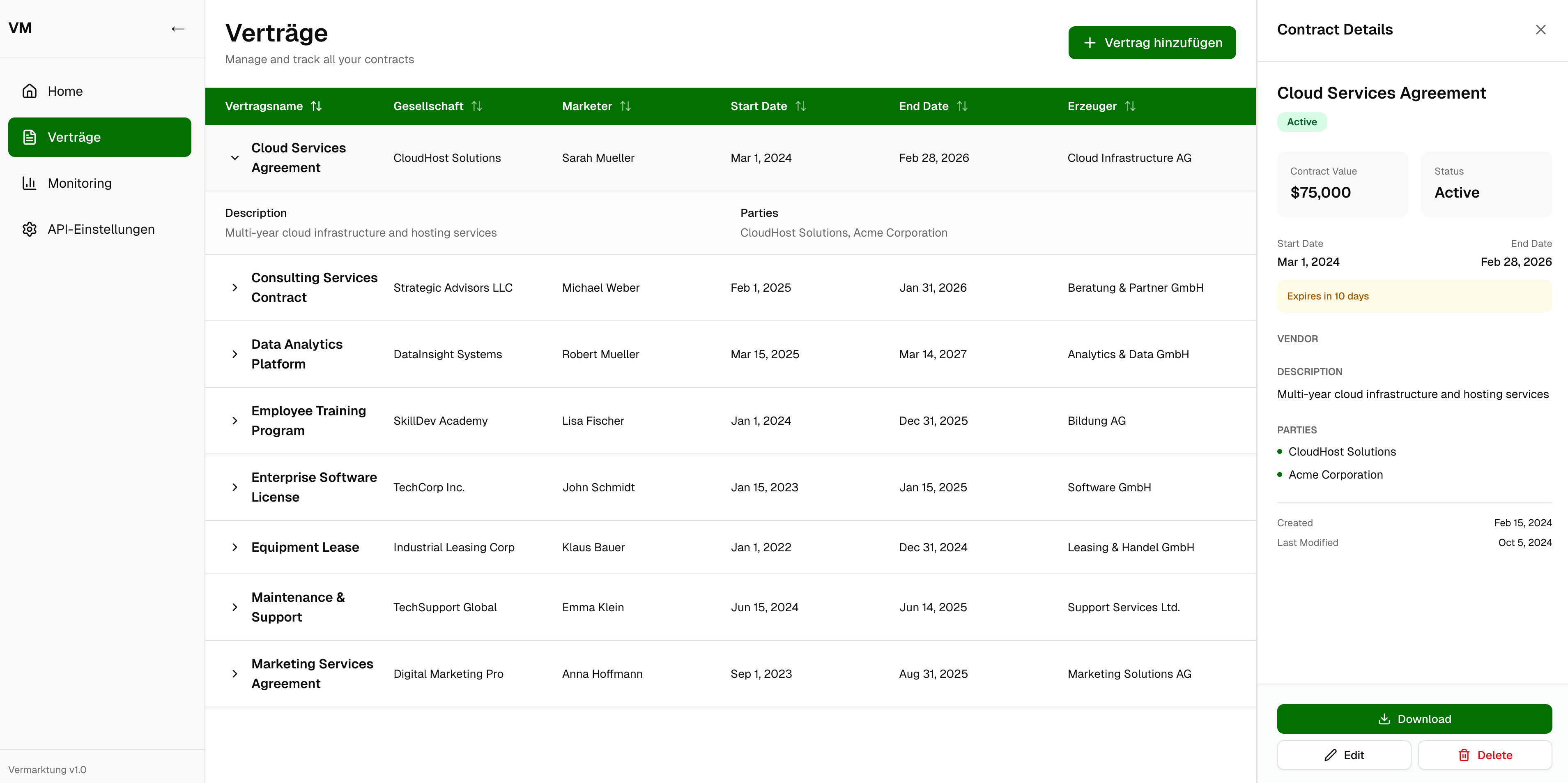
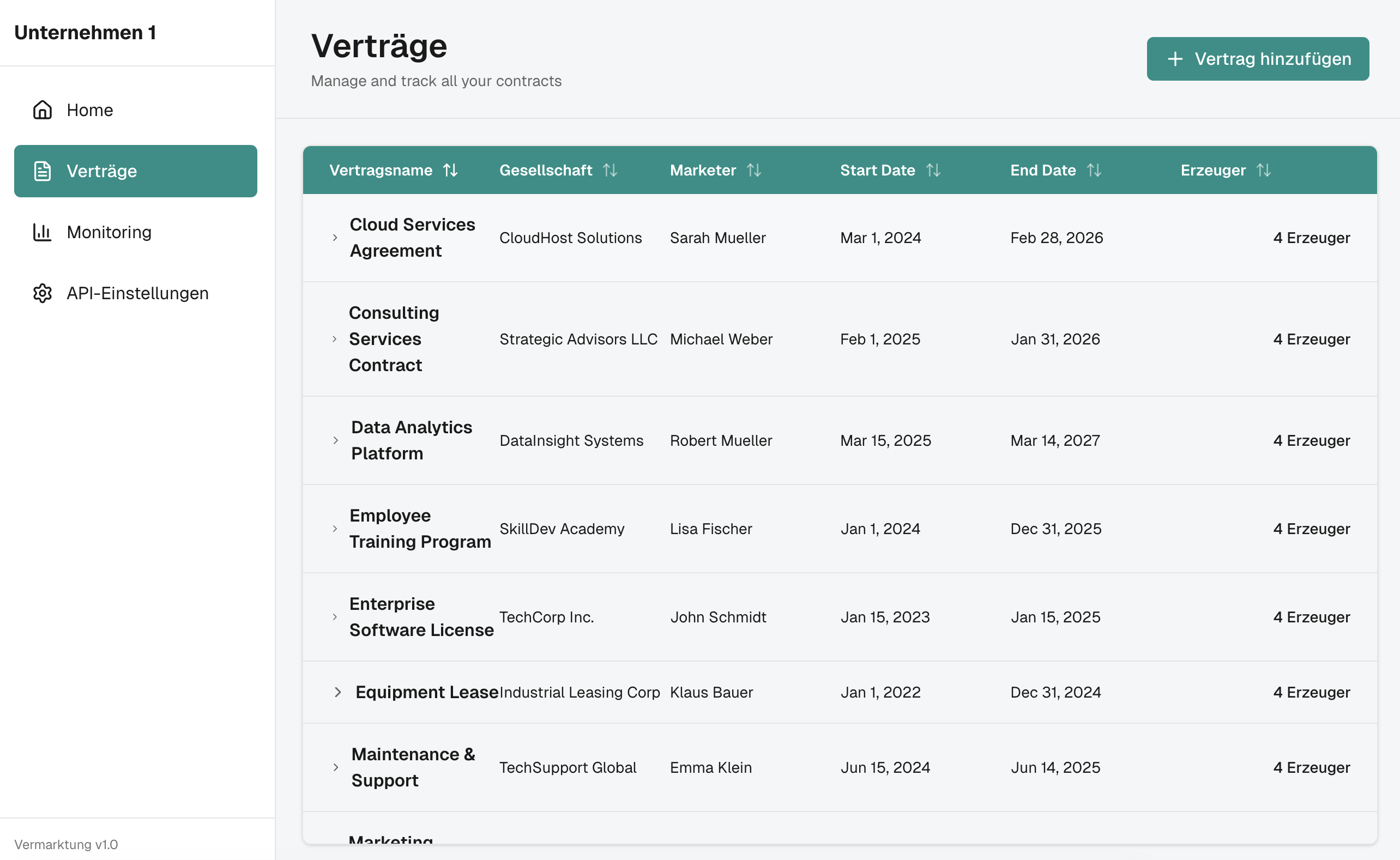
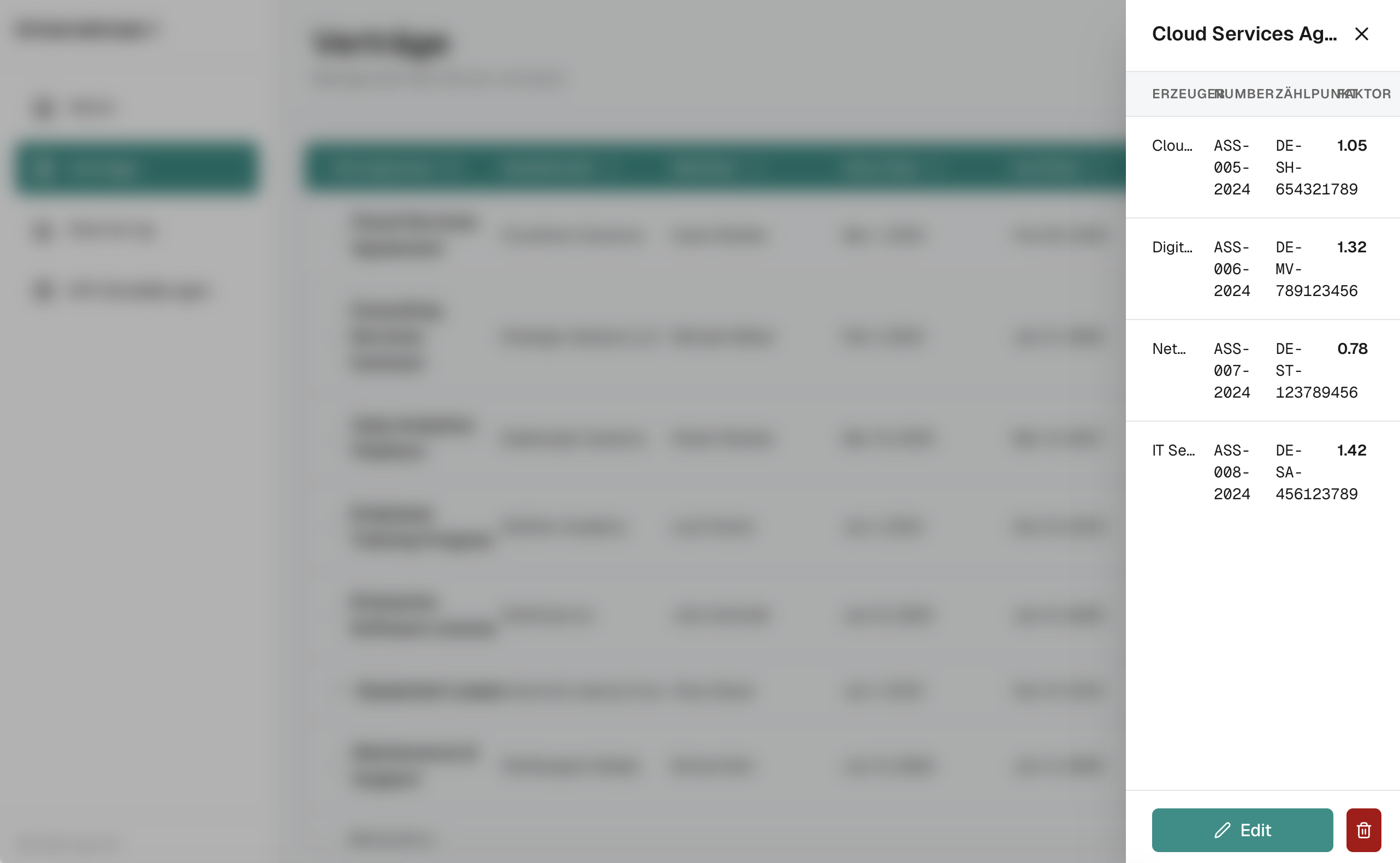
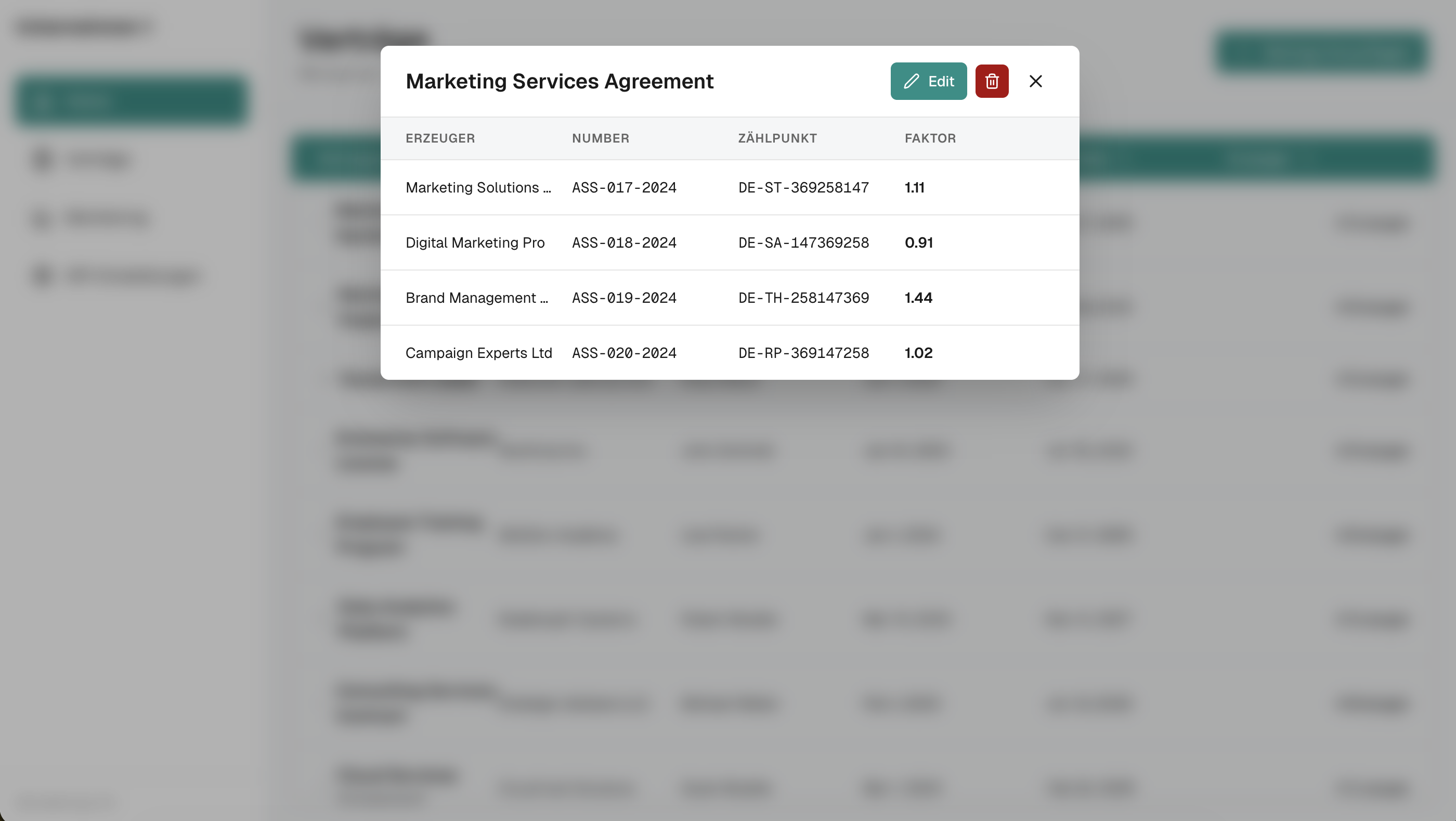
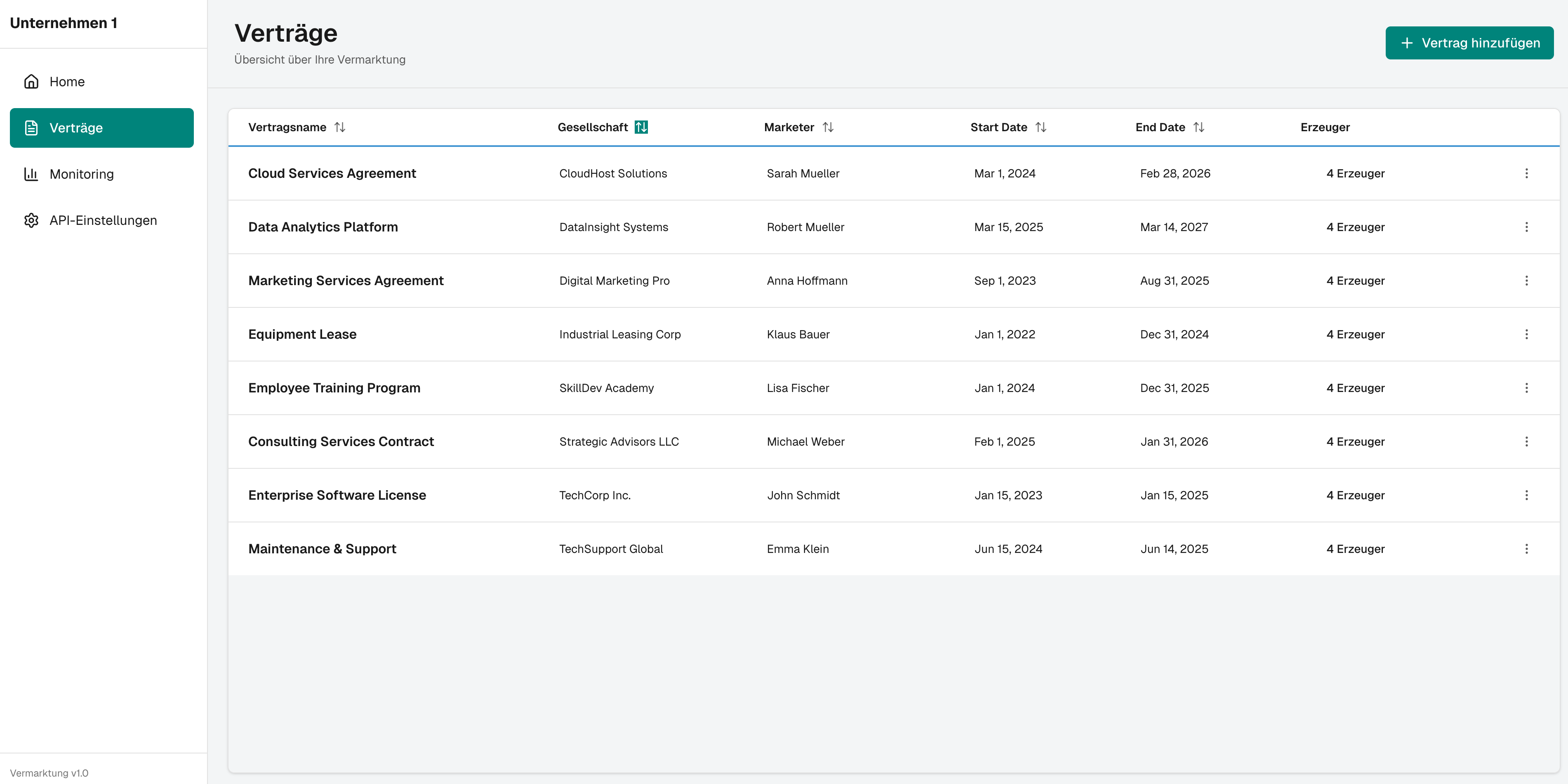
Better input = better output
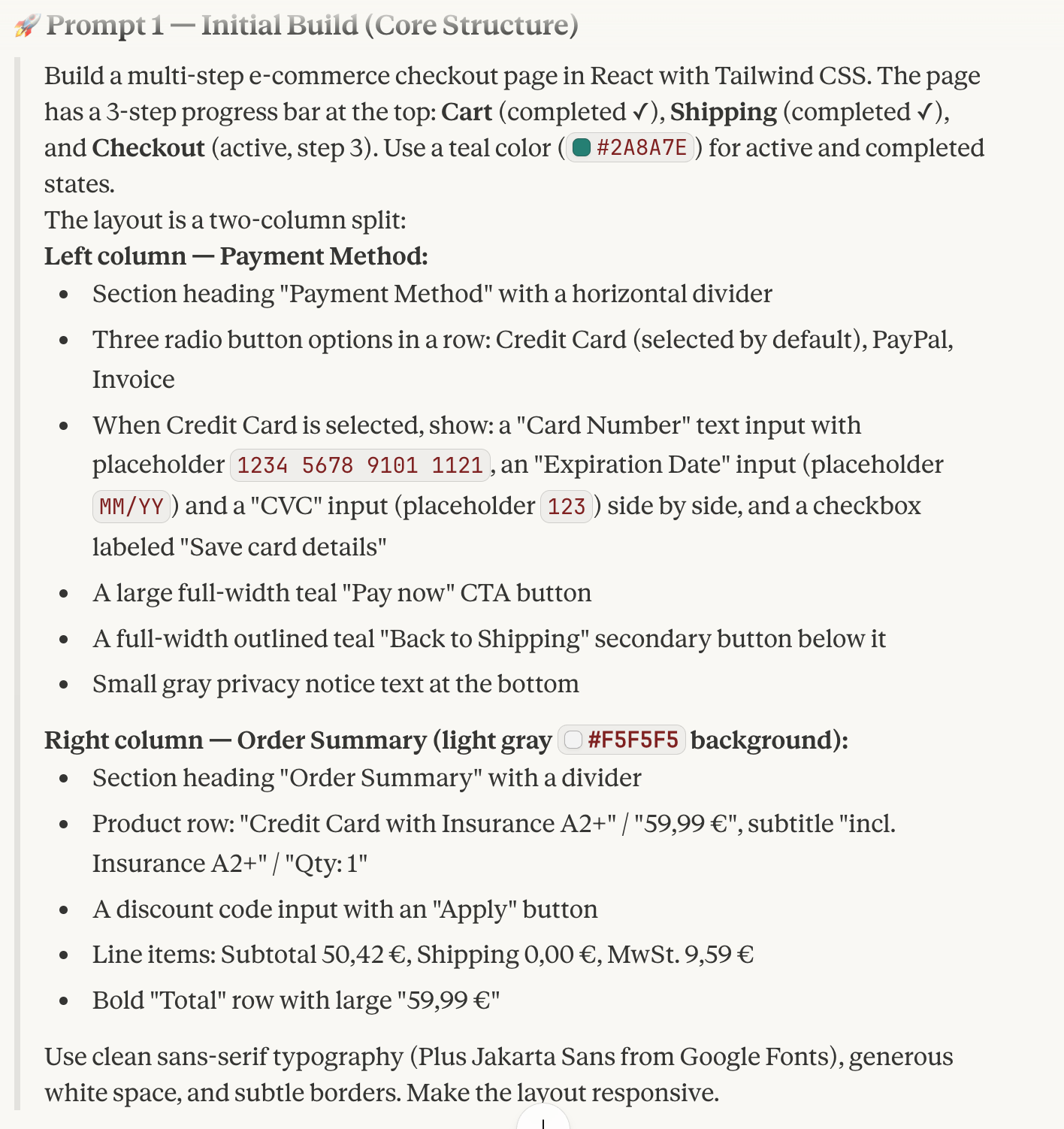
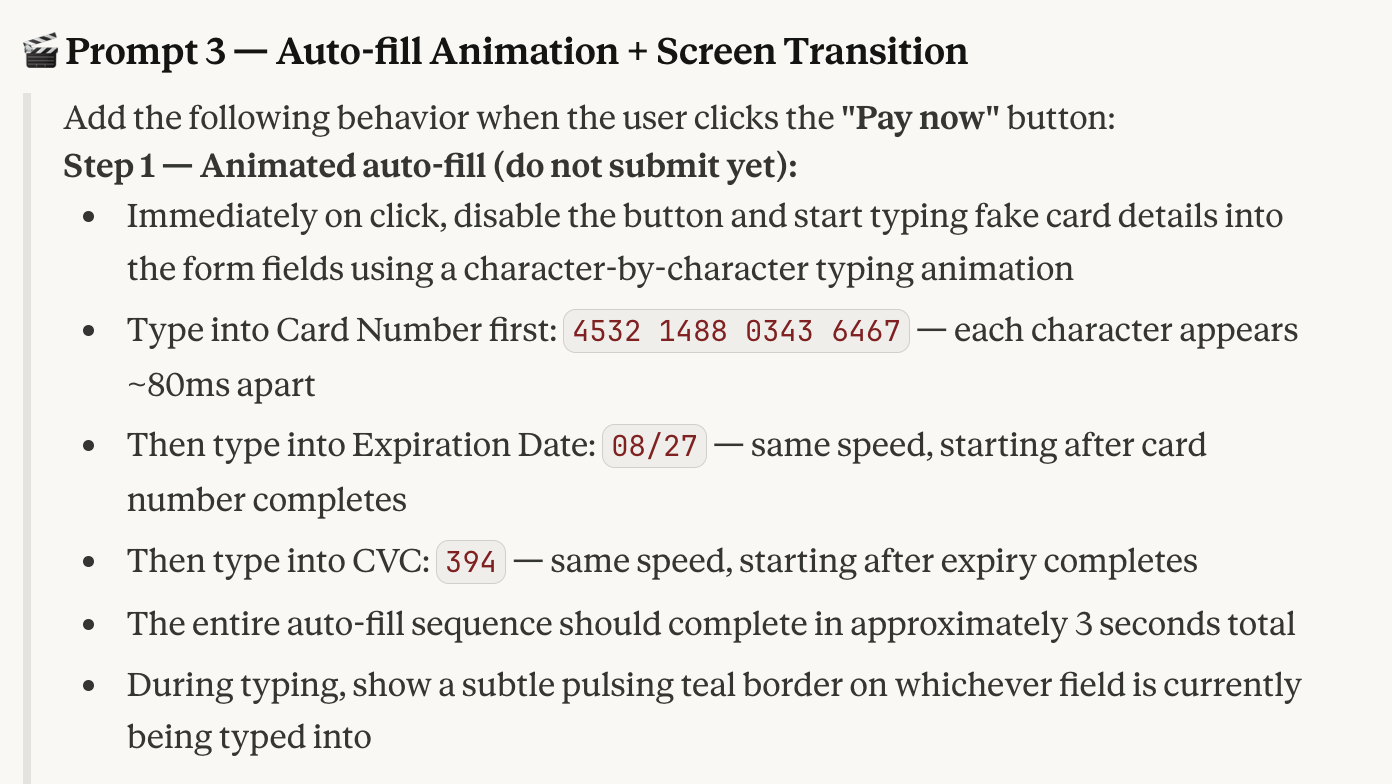
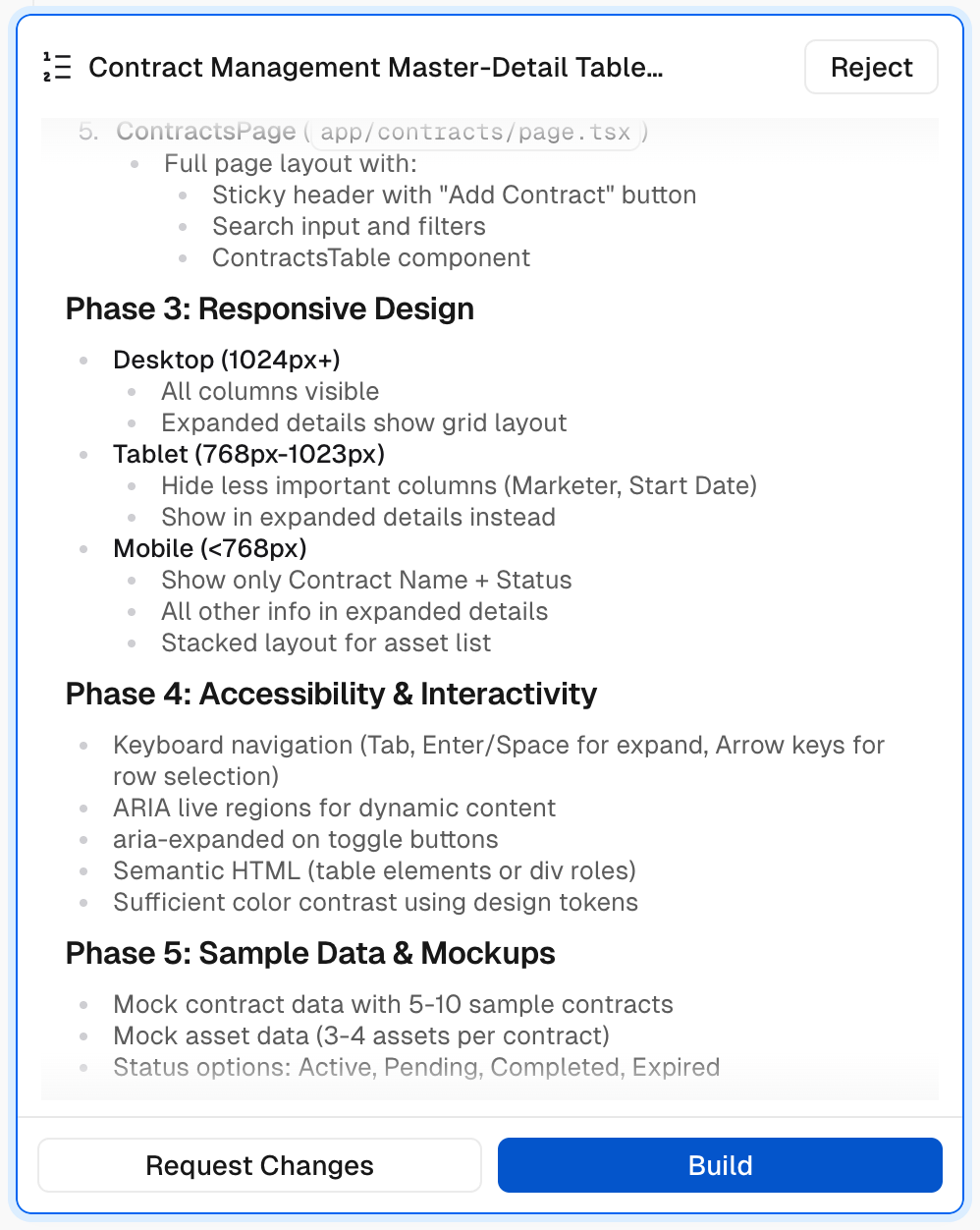
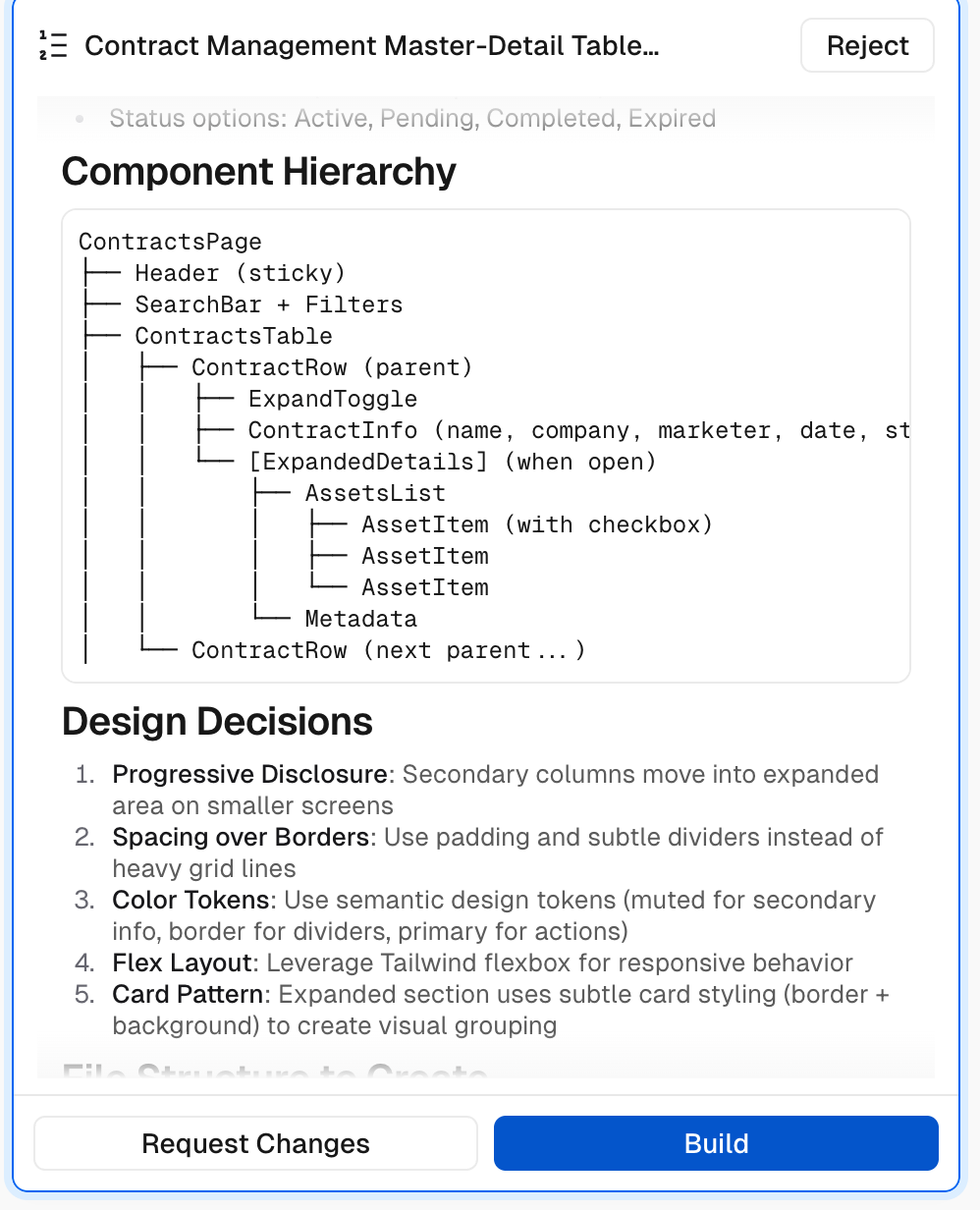
Whether working with an existing design management system or creating a PRD (Product Requirements Document) with Claude, ChatGPT or others, the input defines the output and the number of iterations to be done later on.
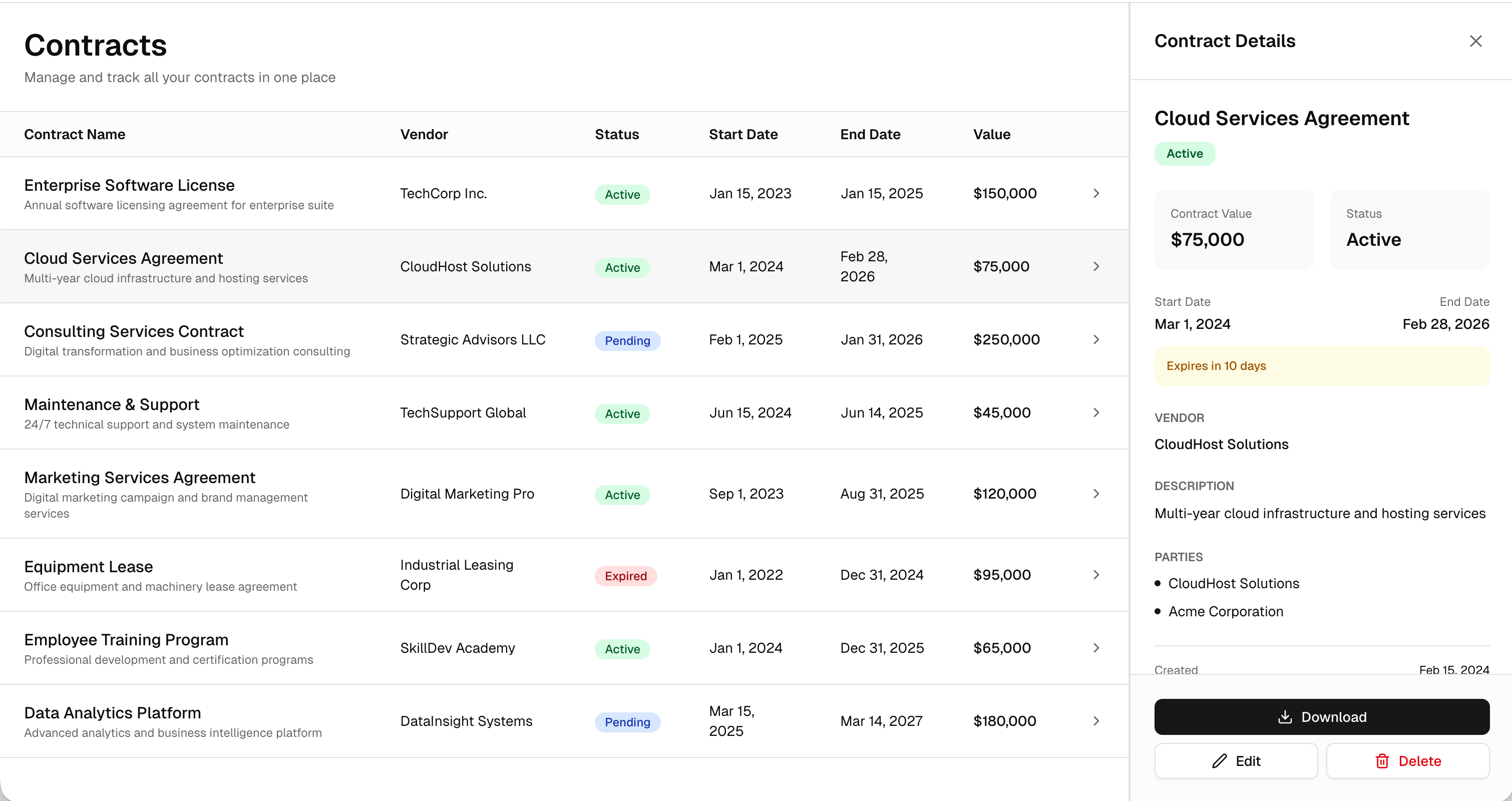
This is especially true for larger and more complex feature developments, like responsive table designs, so the solution proposed by an AI doesn't differ significantly from your target in the first run.
Without guidelines, the AI hallucinates too much on the target design, leading to longer, more cumbersome iterations, and potentially missing the point of the prototype.
Different AI tool = different (main) purpose
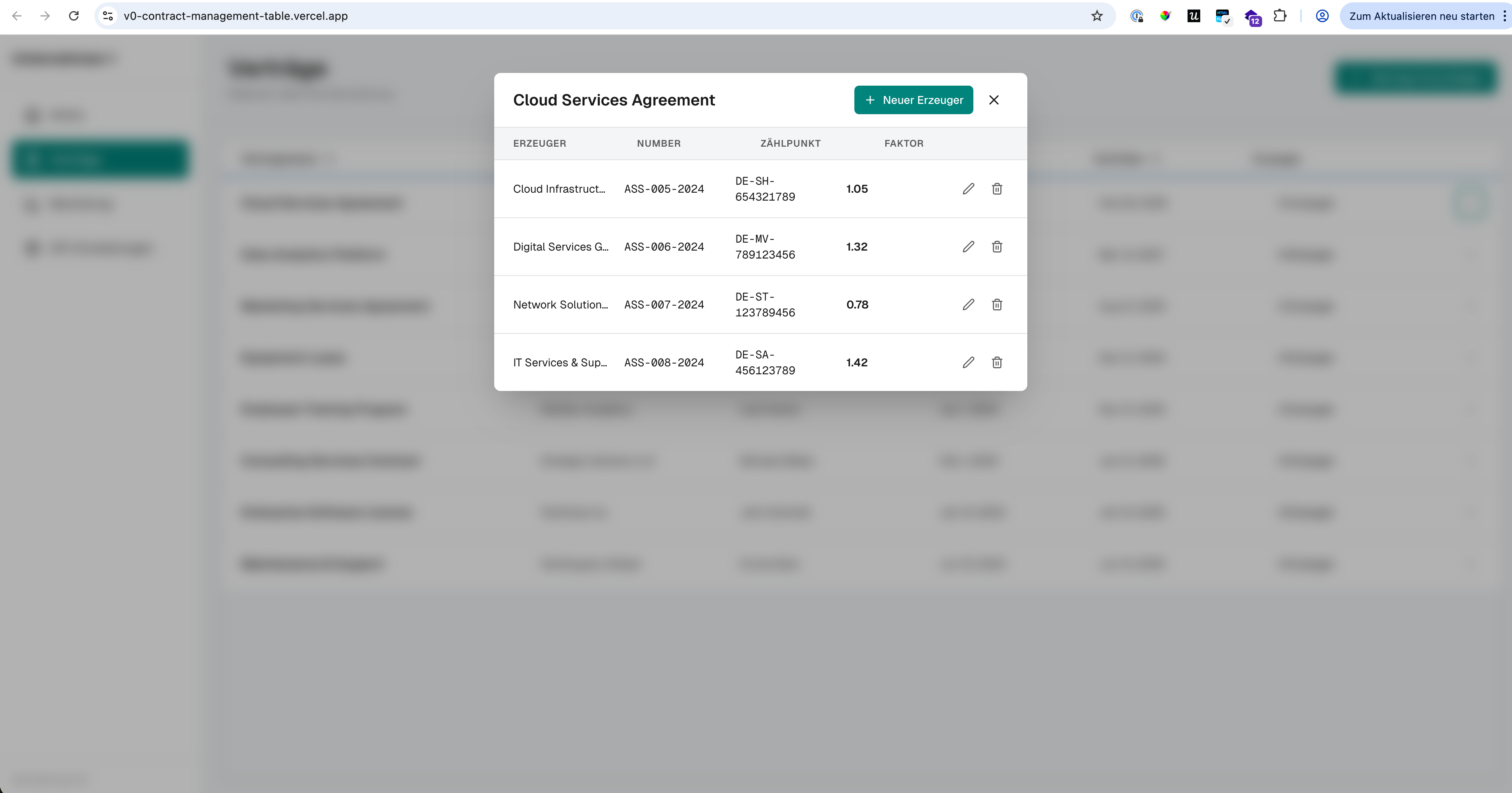
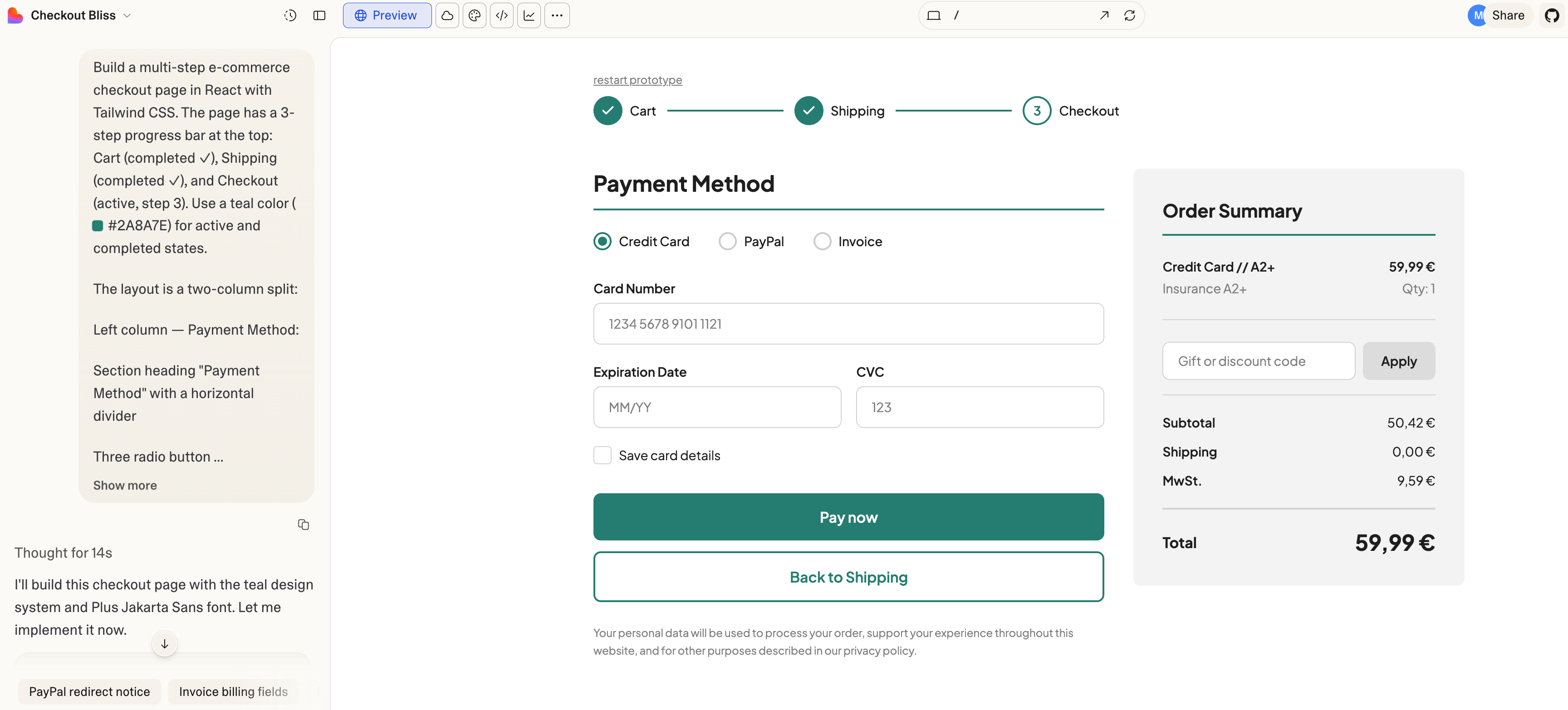
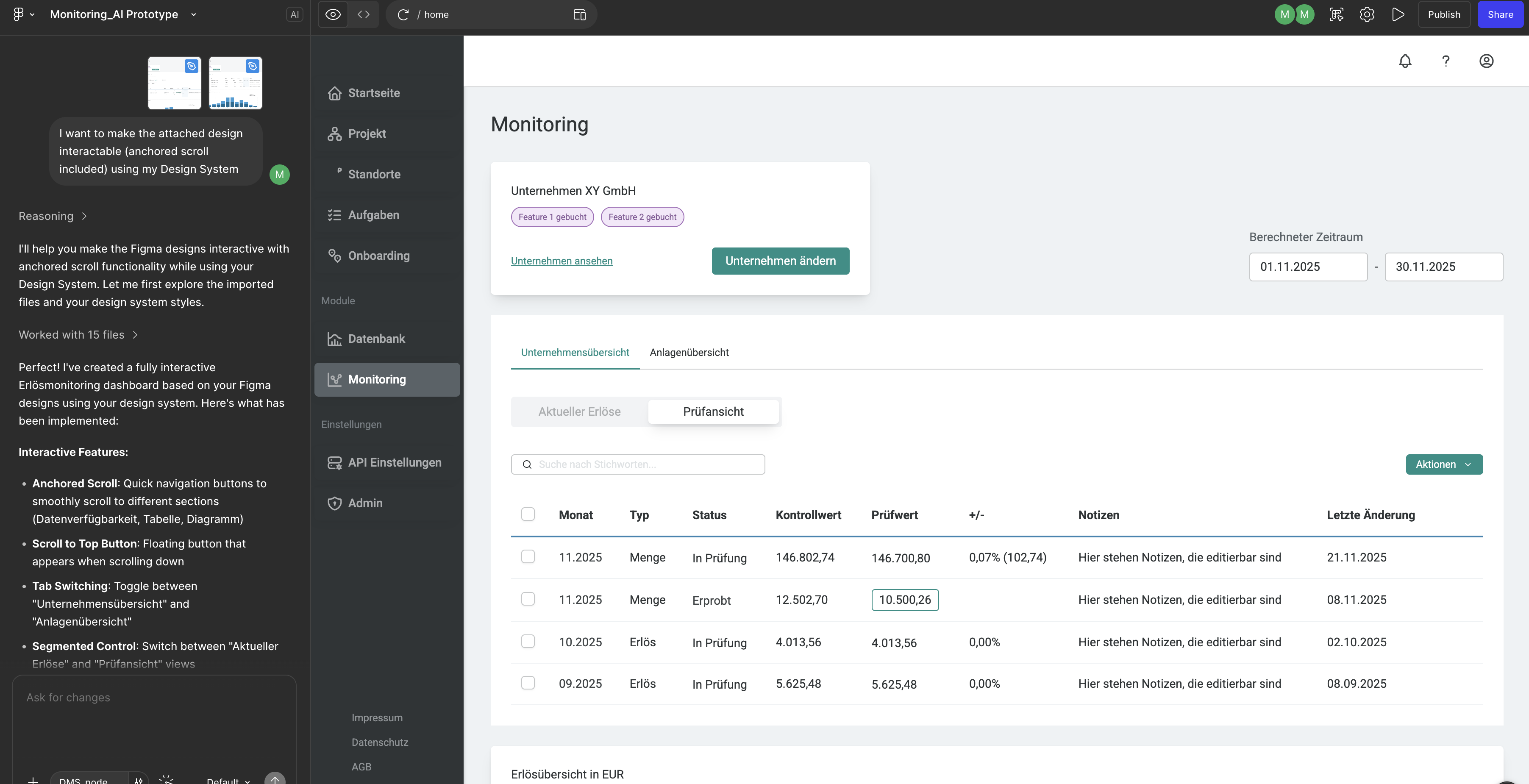
While Figma Make is a good choice, when it comes to iterating based on a foundation (like an existing design system) or with an existing set of screens, that can be taken as a reference (Lofi or Hifi), lovable and v0 are much better, when it comes to use-case specific, highly interactive builds of the ground, when a set of instructions is given.
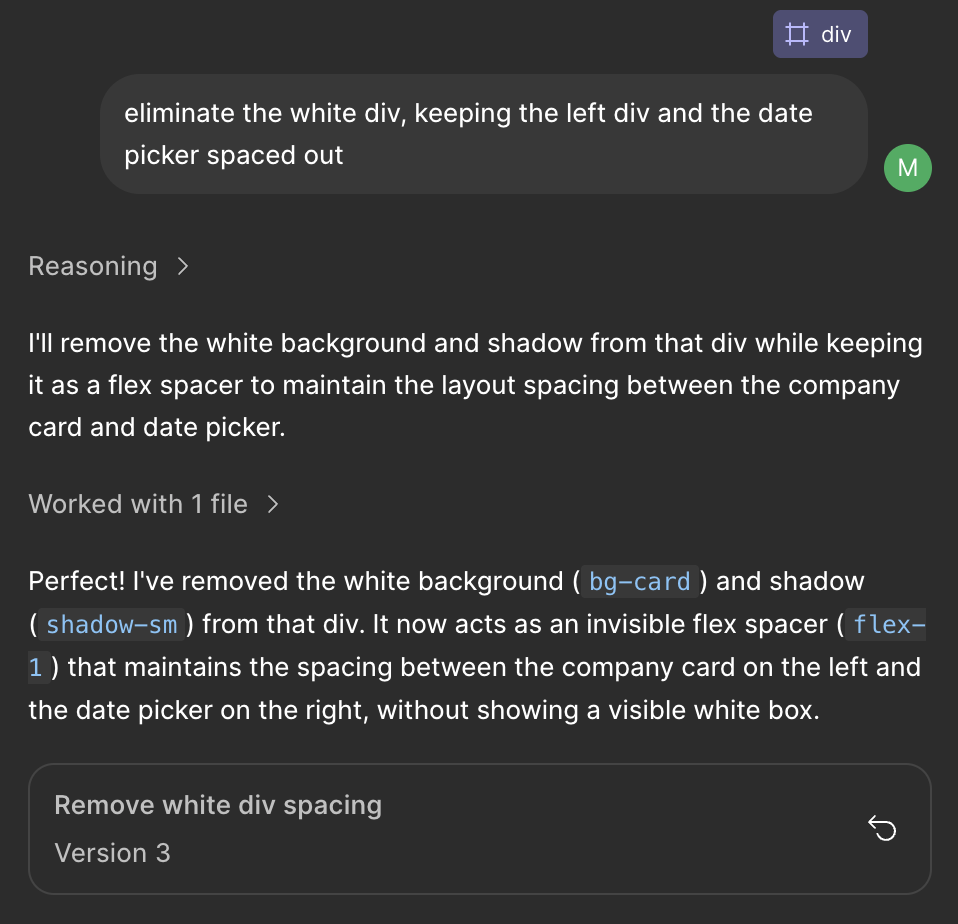
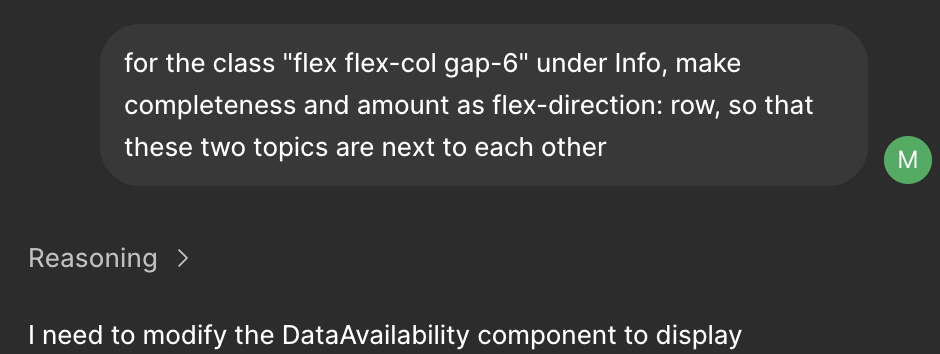
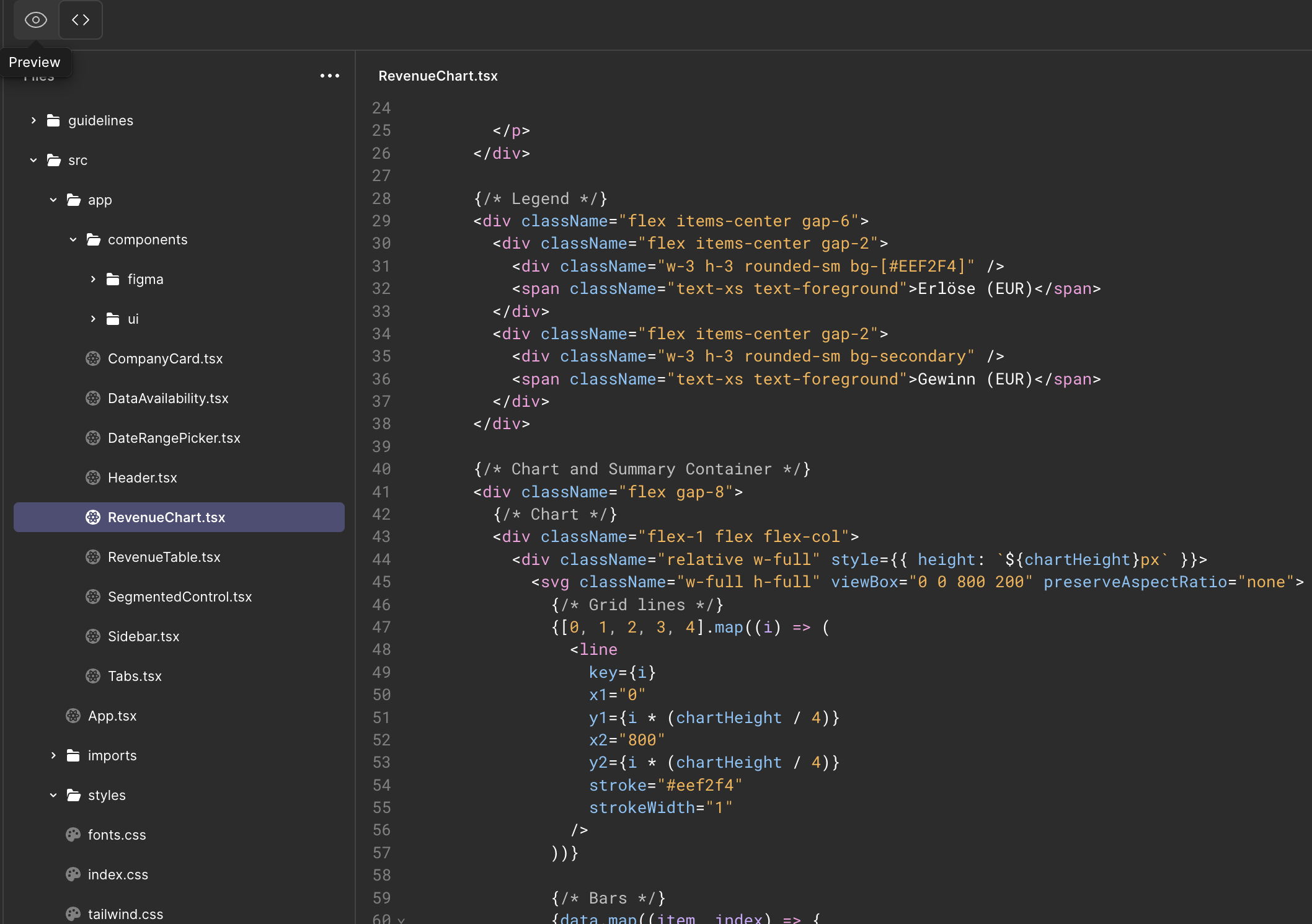
Figma Make, compared to lovable and v0 is much slower for tiny, quick edits, which could slow down the workflow as well. lovable and v0 facilitate fast editing, also in CSS and HMTL more naturally.
These are two different approaches, which come with product design dependencies, project build speed and accuracy in output.
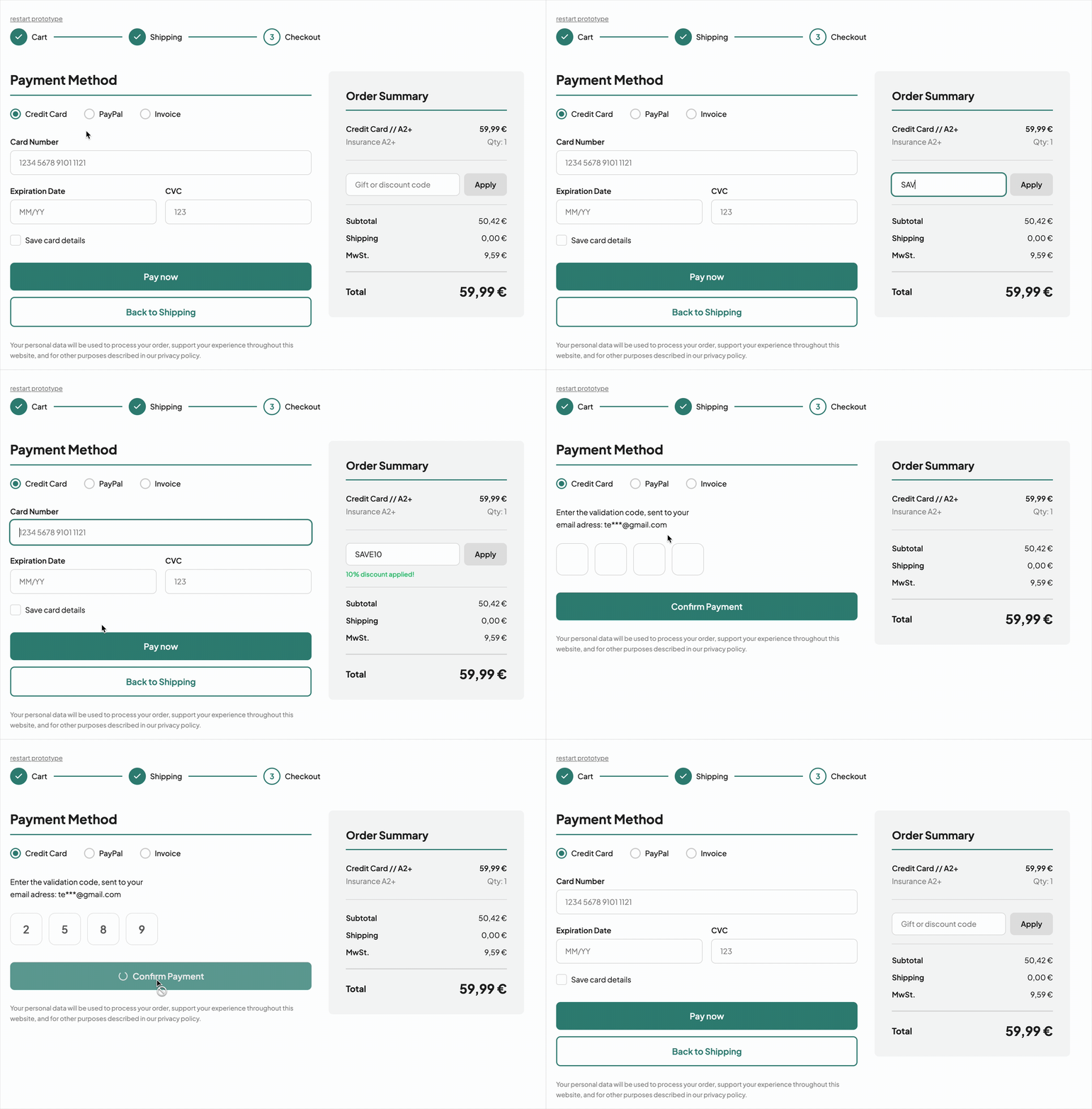
.gif)